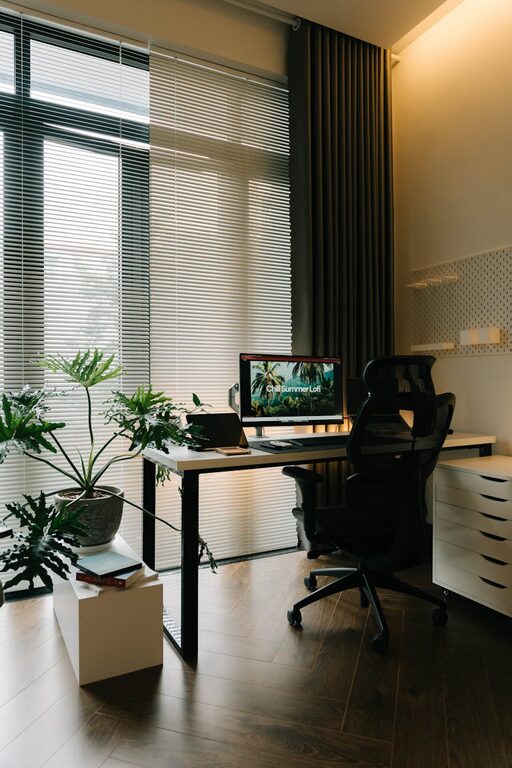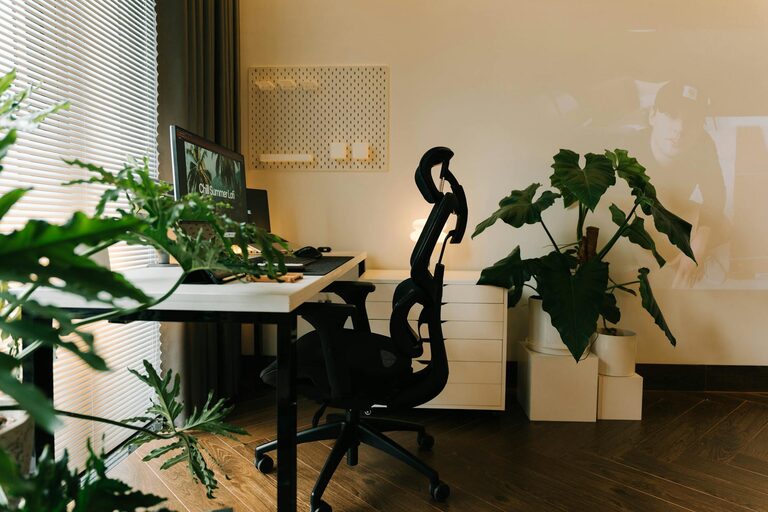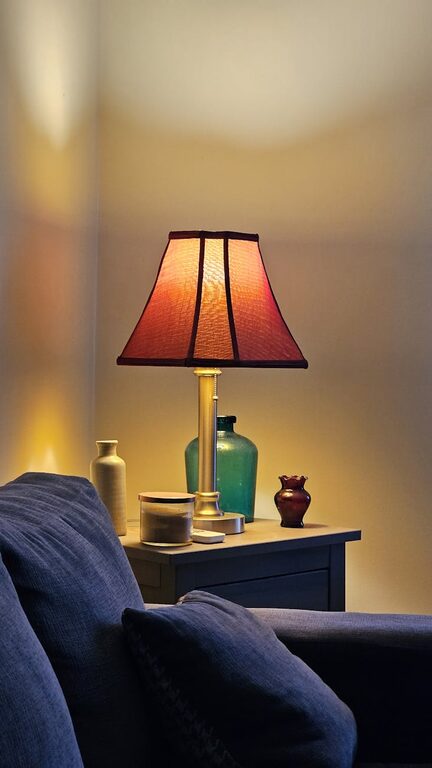
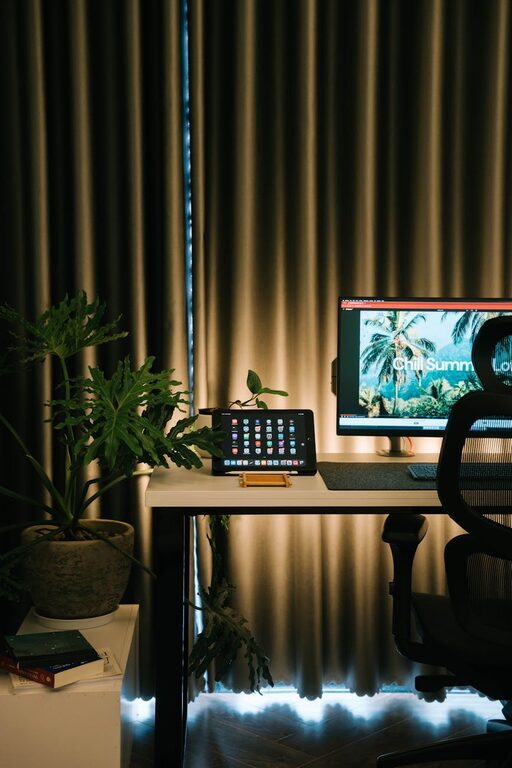
Creating a home office space that feels both cozy and productive can greatly enhance your work-from-home experience. Whether you’re working full-time remotely or just need a spot to handle personal projects, a well-designed workspace helps keep distractions at bay and motivation high. Here are practical tips to transform any space into a comfortable, efficient home office.
Choose the Right Location
Finding the perfect spot is the first step. Ideally, select a space that offers some separation from the main living areas to minimize noise and interruptions. It could be a spare bedroom, a nook in the living room, or even a corner of your bedroom. Ensure the area has access to natural light, which helps improve mood and reduces eye strain.
Consider these when picking your spot:
– Away from high-traffic household areas
– Near a window for fresh air and daylight
– Space for necessary furniture and equipment
– Enough room to move comfortably
Invest in Comfortable Furniture
Your office furniture directly affects your comfort and productivity. Prioritize a quality ergonomic chair. It supports your posture and reduces fatigue during long work sessions. Pair it with a desk that fits your needs and the space available. Standing desks or adjustable desks can provide flexibility if you prefer changing positions throughout the day.
Furniture tips:
– Ergonomic chair with lumbar support
– Desk with adequate surface area and storage
– Adjustable height if possible
– Add a footrest to improve comfort
Optimize Lighting
Good lighting is essential for productivity and eye health. Position your desk near a window if possible to maximize natural light. Supplement with layered lighting: a bright overhead light for overall illumination and a task lamp focused on your workspace to reduce shadows and glare.
Lighting suggestions:
– Use daylight bulbs to mimic natural light
– Avoid harsh fluorescent lights
– Adjustable desk lamp for focused work
– Consider light dimmers for control
Personalize Your Space
Adding personal touches makes your workspace inviting and reduces stress. Choose décor that inspires you like plants, artwork, or meaningful objects. Plants are especially beneficial because they increase oxygen flow and add a calming presence.
Personalization ideas:
– Small potted plants or succulents
– Motivational quotes or boards
– Family photos or personal mementos
– Favorite colors or cozy textiles like a soft rug or cushion
Organize for Efficiency
Clutter can quickly undermine productivity. A tidy workspace helps maintain focus. Use smart storage solutions to keep essential items organized and accessible. Incorporate shelves, drawer organizers, and desktop trays to reduce mess.
Organization tips:
– Regularly declutter your desk
– Use cable management to avoid tangles
– Label storage boxes for easy retrieval
– Keep frequently used items within arm’s reach
Minimize Distractions
Stay focused by creating boundaries around your workspace. This might mean closing a door, using noise-cancelling headphones, or setting rules with family members during work hours. Consider using a white noise machine or soft background music if helpful.
Suggestions to reduce distractions:
– Set work schedule and communicate it clearly
– Use apps that block distracting websites
– Keep phones out of sight when working
– Arrange your space to face away from busy areas
Bring in Comfort Enhancers
Comfort doesn’t just come from furniture. Optimize your temperature with portable fans or heaters, depending on the season. Wearing comfortable clothing during work hours can also improve your mindset. Keep water and snacks nearby to avoid unnecessary interruptions.
Comfort boosters:
– Use a soft blanket or throw on chilly days
– Invest in a humidifier if air is dry
– Choose ergonomic keyboard and mouse
– Take short breaks to stretch and refresh
Incorporate Technology Wisely
A reliable internet connection and necessary equipment like a quality monitor, keyboard, and headset can make a big difference. Avoid cluttering your desk with too many gadgets — only keep what you genuinely need.
Tech tips:
– Use a monitor stand to reduce neck strain
– Invest in a wireless keyboard and mouse for flexibility
– Backup your files regularly
– Keep chargers and cables organized
Maintain Your Workspace
Finally, take time at the end of each day or week to reset your home office. Clean surfaces, put away materials, and plan your tasks for the next day. This routine keeps your space inviting and your work streamlined.
—
Creating a cozy and productive home office doesn’t have to be complicated. With thoughtful choices around location, furniture, lighting, and organization, you can build a workspace that supports your best work and feels like a pleasant part of your home. Try implementing these tips at your own pace and tailor the space to fit your needs and style. Happy decorating!